
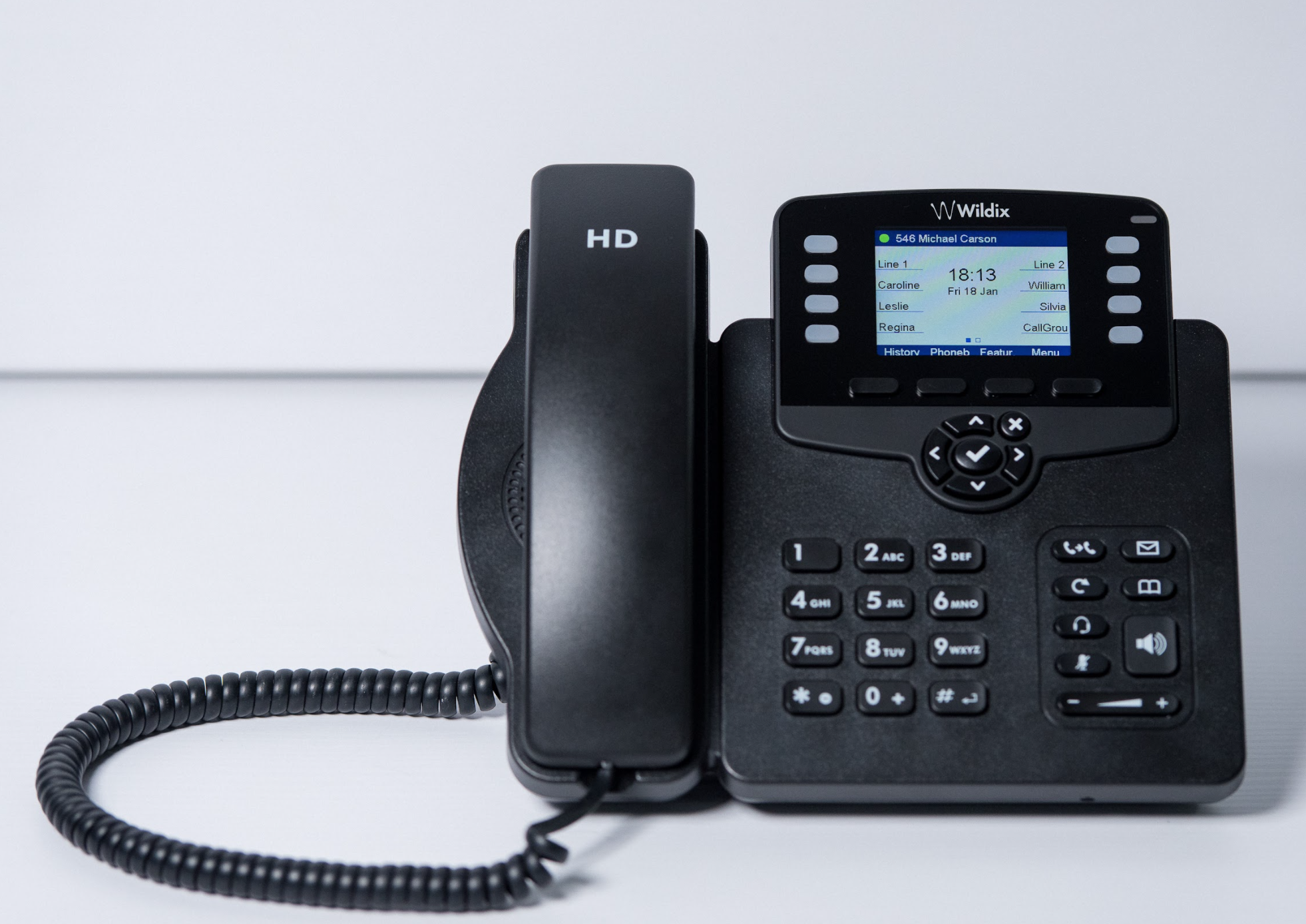
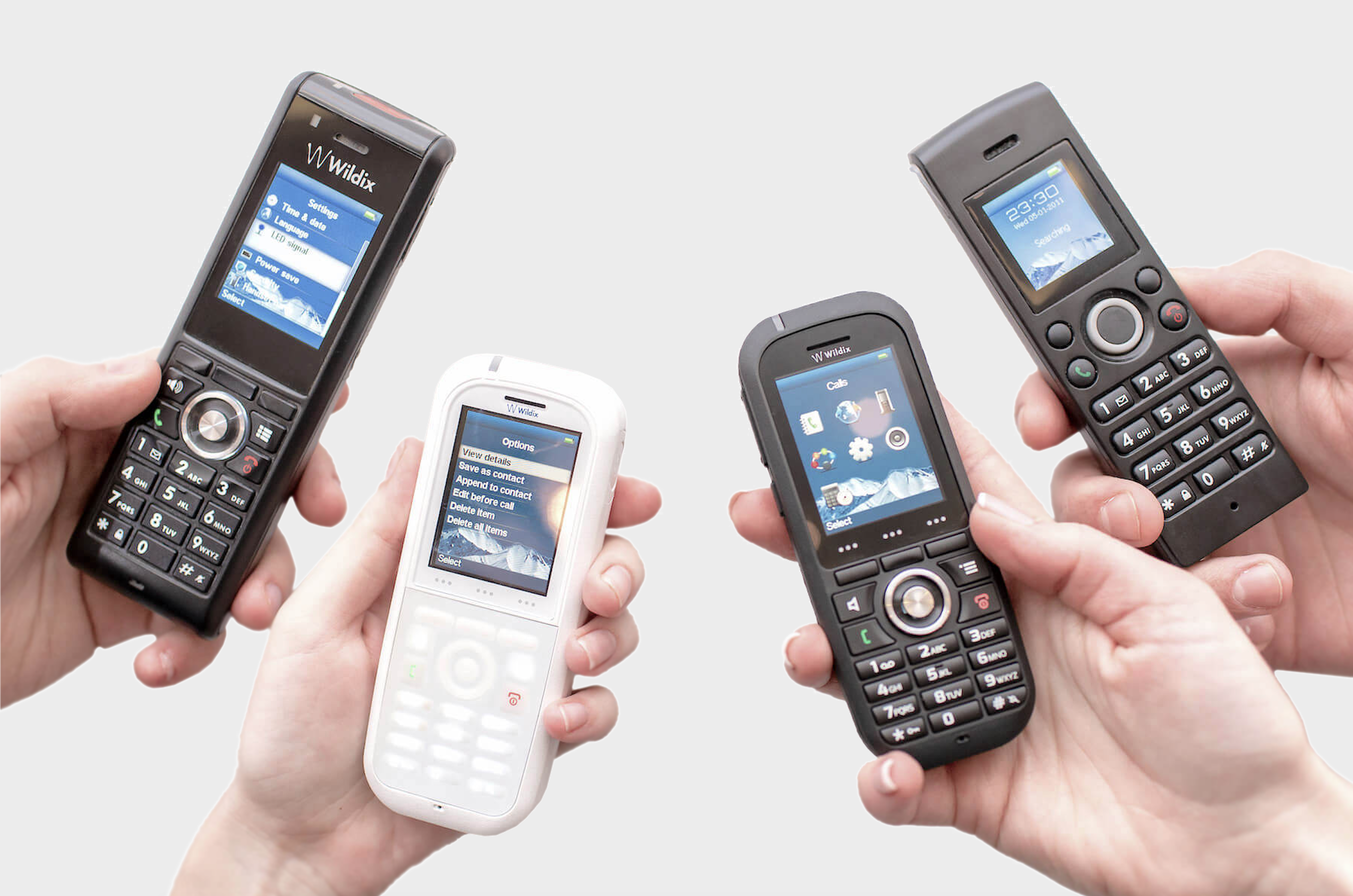
Wildix is the evolution of some commonly-used office tools that will enable you and your team to communicate and collaborate effectively - and remain flexible enough to evolve with your business.
- The phone system
- The chat system
- The video conferencing system
- The website chat widget
- The Call Centre system
Wildix can be hosted on the cloud or run as an on-site server. In addition it has:
- The ability to run it all in a web browser
- A range of dedicated and simple-to-manage telephones and telephony devices
- A dedicated mobile app
This presents you with a Collaboration tool that is as flexible and expandable as your business. From one user to thousands, Wildix will provide a competitive advantage and has an implementation time of hours, not weeks.

Figure 1: Collaboration, the heart of the Wildix system
The Phone System
Wildix provides all the features that you would expect from an office phone system with the benefit of using them anywhere:
- Multiple lines
- Ring / Hunt Groups
- Call Hold, Call Transfer, Call Park
- Voicemail
- Your office number on all devices
- Extension-to-extension calling
- Voicemail
- Night Service
- Time-of-day routing
- Call queues
- Announcements
- Voice Menus
- Conferencing
- DID/DDI routing
- Call Recording
- Computer Telephony Integration
In addition to this, the following services have been added to and integrated with the base phone service to create a single portal for your team to use:
A secure chat system
The chat system in Wildix is fully integrated across web and mobile and includes DM's, chat groups, file sharing, dictation and, of course, emojis. In addition you have the option to turn a chat session into an audio or video call at the press of a button. For a quick reminder or note, a post-it system is integrated to send a note to your or a colleagues screen.
A Video Conferencing system
The Wildix video conferencing system - called Wizyconf - is completely integrated with Wildix, requires no software installation and is highly scalable.
Integrated means it is part of the Collaboration system, making it more secure and straightforward to access. A current chat or phone call can quickly be turned into a video call with multiple participants or a video conference can be scheduled and invites sent out with full details on how to join and integration with calendars.
No software installation avoids the headache of "Which video conference system shall we use?". A video conference with multiple organisations can be tricky as it's unlikely they will all use the same technology; some will use Zoom, others like Microsoft Teams and others Google Meet. Some system will require you to download and install their software while others will insist you register for an account. It's confusing, messy and detracts from the point of the meeting.
Wizyconf does away with all that. You can schedule a conference within your Collaboration screen and email invites are automatically sent out. There is no software to install or a requirement for an account; if you have the link (And optional security PIN) you will be able to participate in the meeting and focus on the purpose of the meeting, not the technology.
 |
 |
A website chat widget
A key component of any website is immediacy; if a visitor is interested in your product or service you should make as easy as possible for them to connect with you for more information.
Wildix offers this through their Kite service. Once installed, Kite will connect your website directly to one or more people in Collaboration so you are ready to respond to and interact with multiple visitor queries.
In addition to online chat, you can share files with your visitor and, if their device supports it, initiate a phone or video call via industry-standard WebRTC. Additionally, a video call can be converted into a screen share so you can demonstrate products, whiteboard and more.

For a live demonstration of Kite, go to https://hellocomtec.com and scroll down until you get the "Hi, I'm Neil' call to action. Click the Phone/Chat/Video button and you are connected.
A call centre system
Wildix has all the features you need to drive an inbound or outbound call centre. From skills-based routing, voice menus, call queues, announcements and advanced reporting, you have a flexible and powerful call centre system that can be run from any location; At home, in the office or a remote workplace, your team will remain connected and productive.