When in Collaboration in Chrome you can't create conferences. You can add the details of the conference but when you try to save it you get a banner in the corner saying "Save Failed"
Click on the padlock in Chrome and go to Cookies:

Then check the Blocked tab: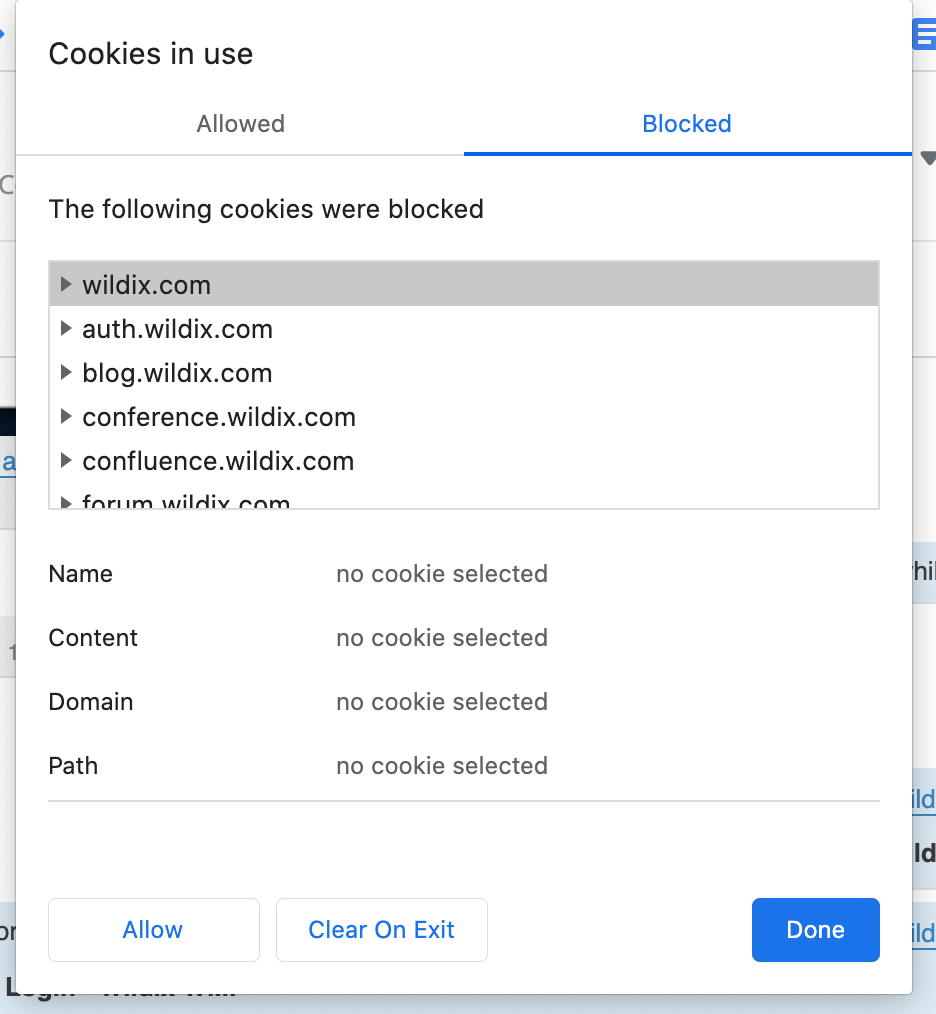
Make sure anything Wildix related is allowed.
<END OF DOCUMENT>
If you get stuck or have any questions please get in touch.
 |
Hello Comtec Support Tel: +44(0)1752 422950 email: support@hellocomtec.com web: https://hellocomtec.com fb: https://www.facebook.com/ tw: https://twitter.com/ |